2 PLAYER Evolution Tycoon How to Evolve Your Base
Clear pads, pay the machine, climb toward futuristic space tiers.
Evolution in plain language
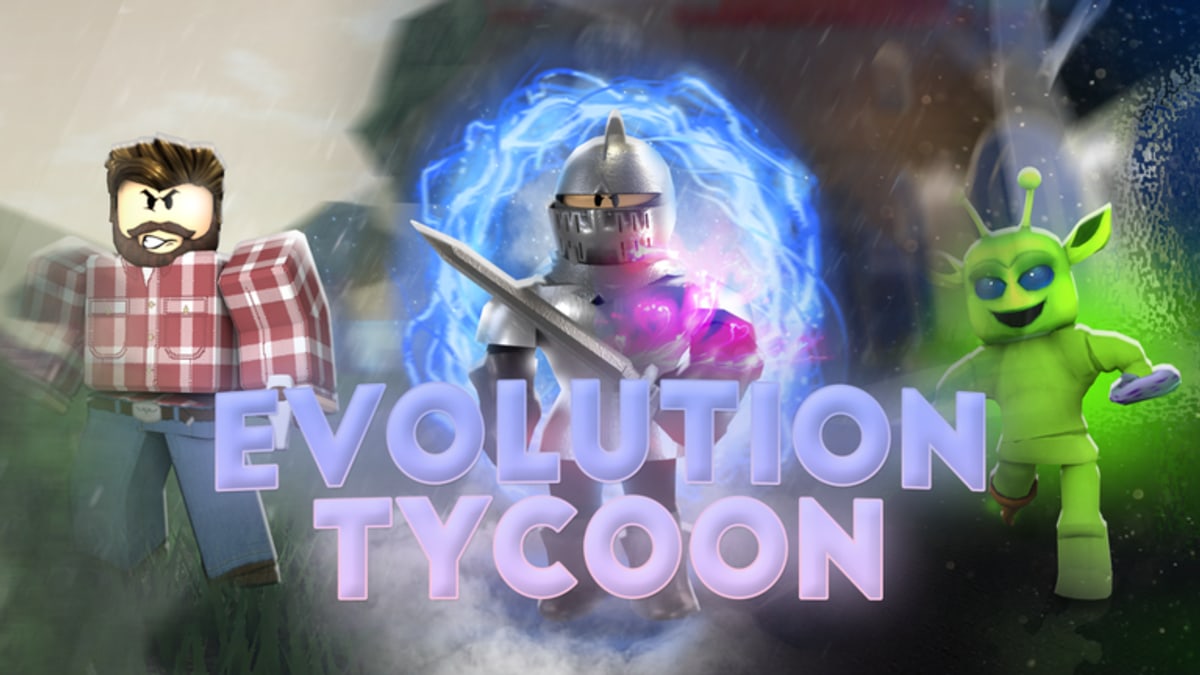
Evolution is the identity of this tycoon: you begin in the Caveman Era, purchase every upgrade on the current base, then fund the next era machine until aesthetics, weapons, and income leap forward—eventually into a futuristic space fantasy. The embedded video shows how strong a coordinated duo can become once eras stack.
Never skip unpaid buttons
If a glowing pad remains, finish it before dumping cash into evolution. Partial lines create “soft locks” where the next era feels expensive because you left generators unfinished. Track steps on the Evolution Checklist.
Duo payment strategy
One player can farm while the other stands on the machine, but transparent chat prevents double-buying the same pad. Call targets: “buying left dropper,” “saving for evolve.” Redeem 20k right before a machine payment if you are a few thousand short.
Combat pressure during evolve nights
Rival duos contest flags to starve your income. Assign a defender using Combat Tips while the banker stays near pads. Do not both leave the base during a payment countdown mindset.
How eras feel
Early eras teach spacing and simple weapons. Mid eras introduce tighter sightlines and pricier buttons. Late/space-facing eras reward mobility and upgraded gear from Weapons Tier List. Visual language tips live in Map and Eras.
Saved progress and evolving
Because Blackbox advertises saved progress, successful evolves should greet you on return. Still verify after your first evolve by rejoining once—see How Saving Works. If something looks wrong, note whether you joined a friend’s advanced plot as a guest versus loading your own save.
Income bridges between eras
When prices spike, run How to Earn Money Fast routes and optional flag bounties. Codes are bridges, not replacements for droppers.
Common evolve failures
- Evolving with missed pads
- Spending the 2x window on cosmetics
- Both players AFK during rival flag steamrolls
- Confusing this remake with classic Wooden→Sci-Fi patch notes from 2019–2021 Code Rainbow logs
Post-evolve checklist
Re-learn weapon racks, reset camera sensitivity if needed (Controls), update your Duo Strategy, and glance at Updates Hub for balance changes after major patches (platform marked updates around 12 Aug 2026).
Long-session pacing
Alternate 15-minute pad pushes with 5-minute map control. Burnout causes misclicks on expensive buttons. Solo players should shorten flag attempts—see Solo Play.
Field notes unique to guides › how-to-evolve
This block exists so your practice loop matches guides › how-to-evolve instead of a generic tycoon checklist. On place 125496078313264, load in, confirm Blackbox branding, then apply only the decisions described above. If you came from classic place 3017870574, discard empty-plot-only save myths before you continue. For guides › how-to-evolve, measure success with one screenshot or one rejoin test, then continue pads. Cross-check Codes Hub if a multiplier is live, and keep Guides Hub open only after the current task finishes.
Failure modes specific to guides › how-to-evolve
Players mis-handle guides › how-to-evolve when they redeem 20k without a shopping list, argue about flags while the evolution machine is nearly funded, or buy Robux comfort tools before droppers exist. Another guides › how-to-evolve failure is watching the wrong YouTube place ID and copying fruit-score tables that never applied here. Fix the mistake with a calm rejoin, a shorter duo callout list, and a return to unpaid buttons. Twelve-player servers amplify confusion—label your lane in chat when teaching a friend about guides › how-to-evolve.
Drill card: guides › how-to-evolve
Set a 12-minute timer titled “guides › how-to-evolve”. Minute 0–2: UI and gear/code check. Minute 2–8: execute the core actions from this article without side quests. Minute 8–10: one controlled flag or defense decision. Minute 10–12: buy leftover pads and write the next session’s first three purchases. If the timer ends mid-fight, disengage—guides › how-to-evolve progress should still improve because Blackbox advertises saved progress. Repeat the drill once after any mid-August-style patch before blaming the game.
Frequently Asked Questions
Quick answers to the most common questions.
What do I need before evolving?
Buy every pad on the current era, then pay the evolution machine.
Should I redeem codes before evolving?
Yes if you are slightly short—**20k** doubles income for two minutes.
Where do I track steps?
Use the [Evolution Checklist](/tools/evolution-checklist/).
Does evolving save?
Progress is designed to save—confirm via [How Saving Works](/guides/how-saving-works/).